Product
Webmail that stays out of your way
Reading, composing, organizing, and searching your Orvix mail — in a browser app designed for daily work, not for admiring.
Webmail access details come with your Orvix service. This page previews the experience; the sign-in address for the mail app is provided once Webmail is configured for your environment.
The inbox
Your mail, newest first, with folders and unread states that survive refreshes and devices.
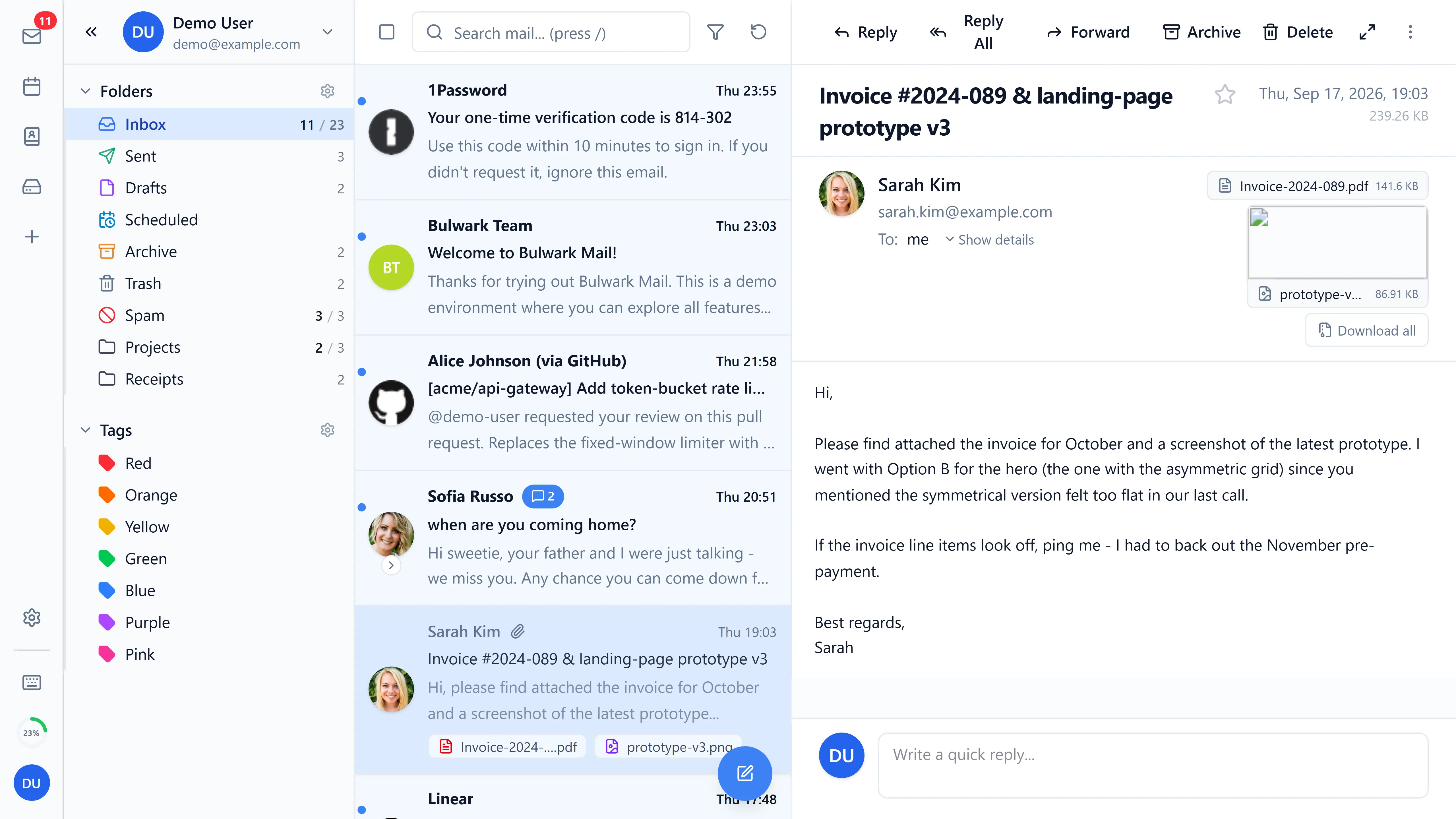
- Folders that make sense. Inbox, Sent, Drafts, Trash, plus your own organization.
- Search when you need it. Find the thread from last quarter without archaeological skills.
- Readable threads. Message view keeps long conversations navigable.
Compose
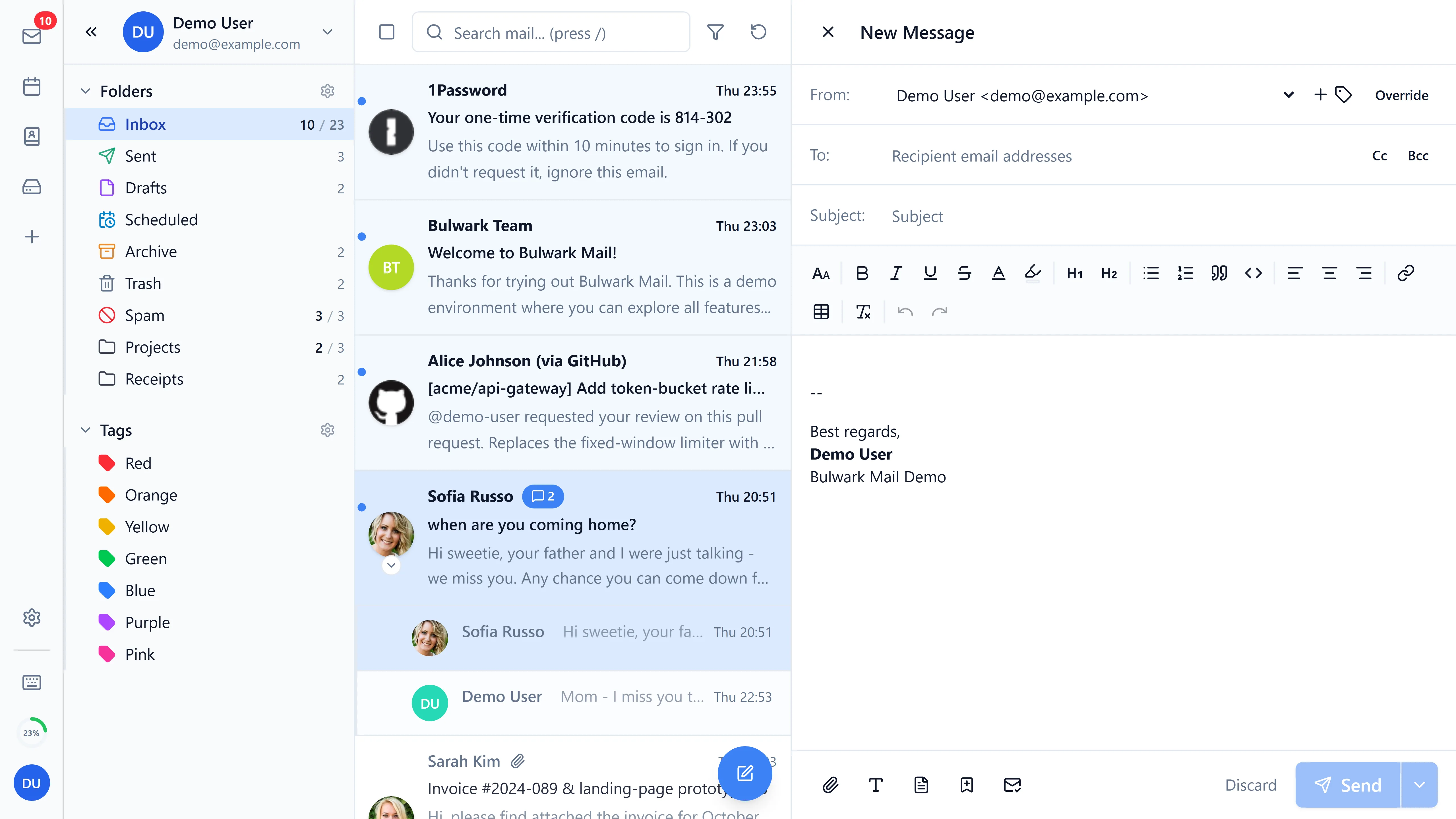
Write, address, attach, send — with drafts that don't vanish.
- Clean composer. To, Cc, subject, and body with formatting that stays professional.
- Your identity. Send from any of your Orvix addresses on your domains.
- Attachments handled. Add files to your message without plugins or rituals.
On your phone, too
The same mail, reshaped for small screens — no separate app to install for basic access.
- Responsive by design. Navigation collapses, actions stay reachable, text stays readable.
- Installable shell. Add the site to your home screen for an app-like window with Orvix theming.
Webmail and the customer portal are separate surfaces: Webmail is for reading and sending mail; the portal is for administering domains, mailboxes, and services. Neither one does the other's job.
Gallery
Captured from the real product on sanitized demo fixtures — inbox, composer, calendar, and files, in light and dark.
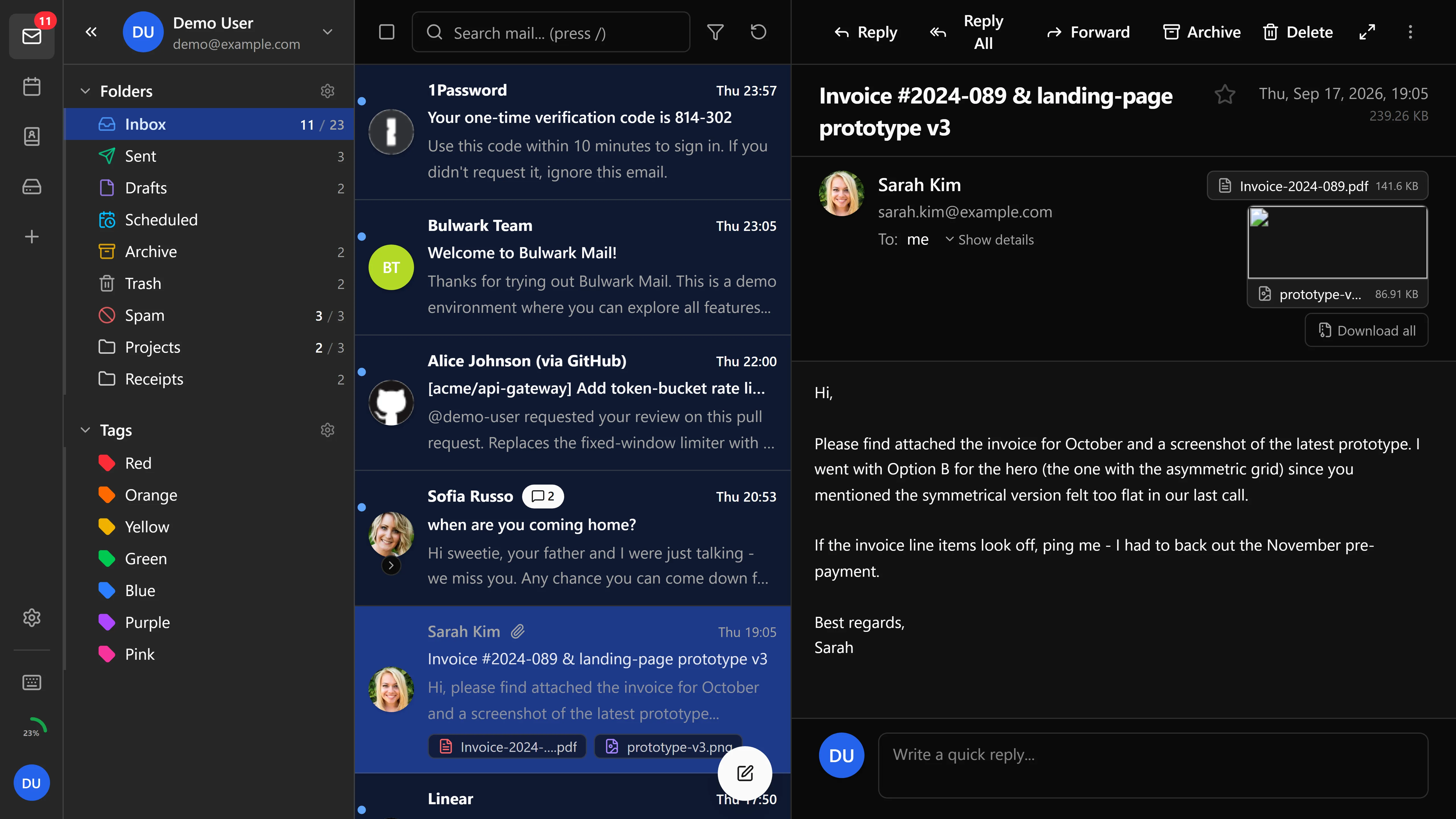
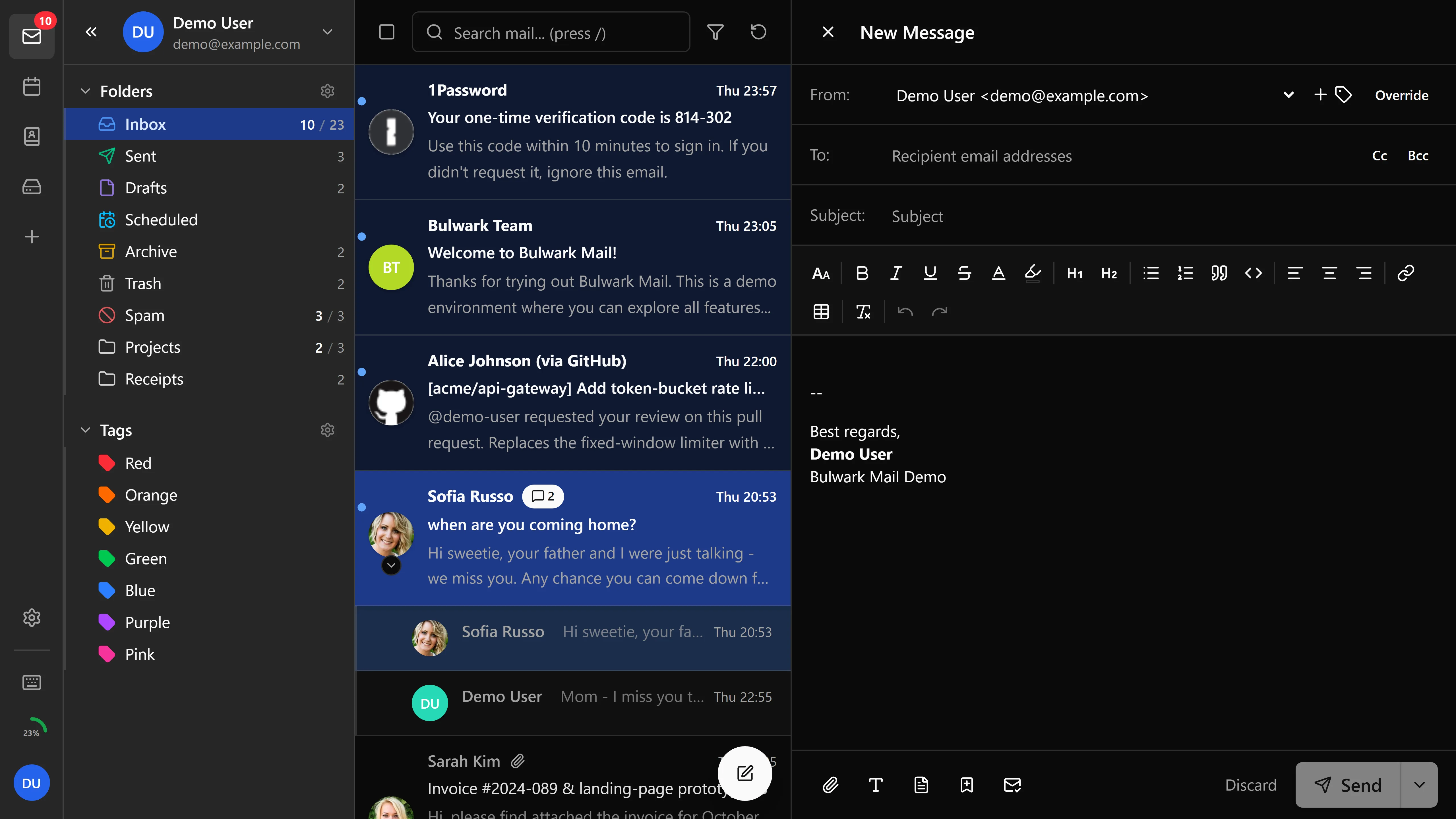
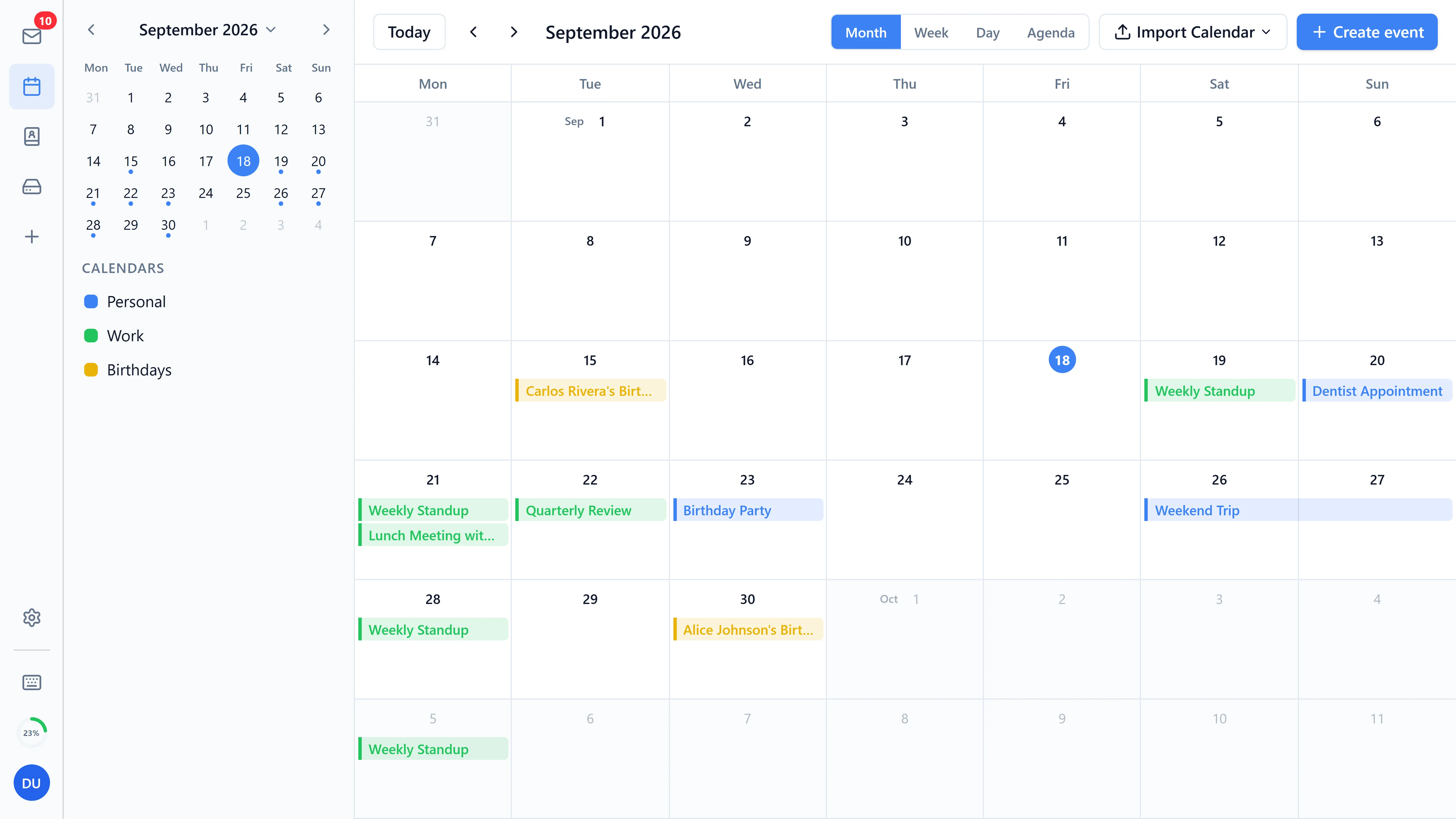
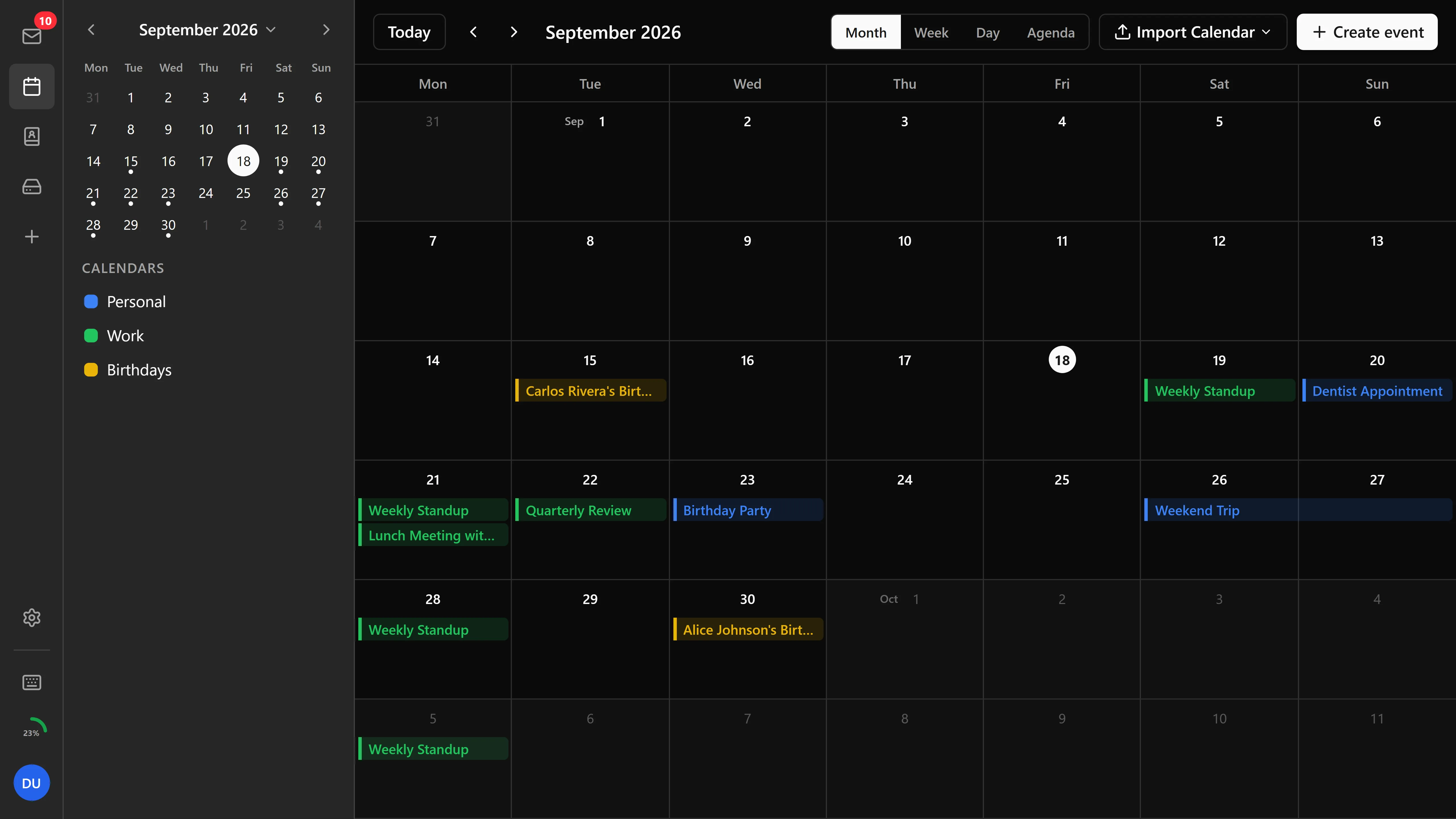
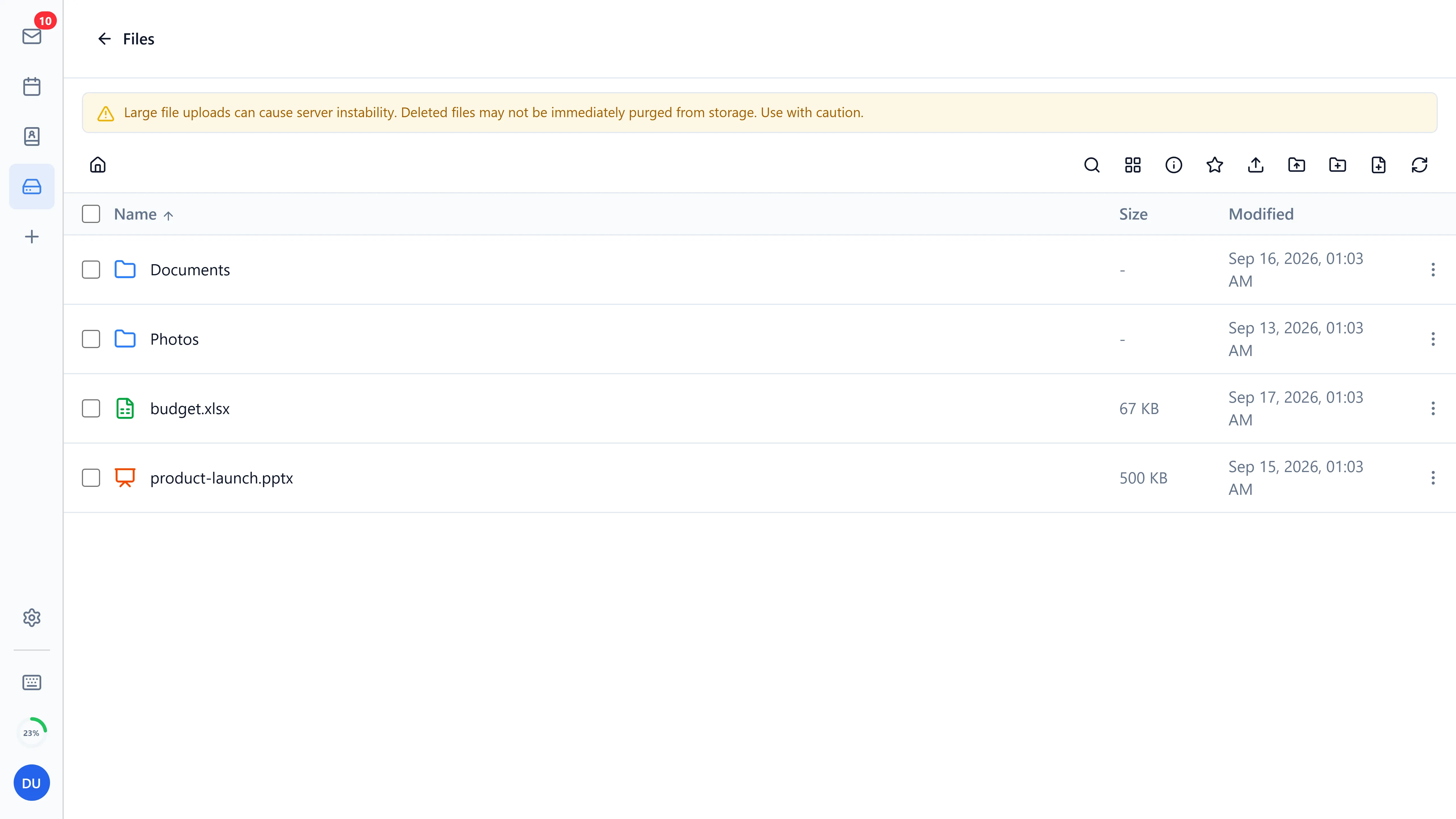
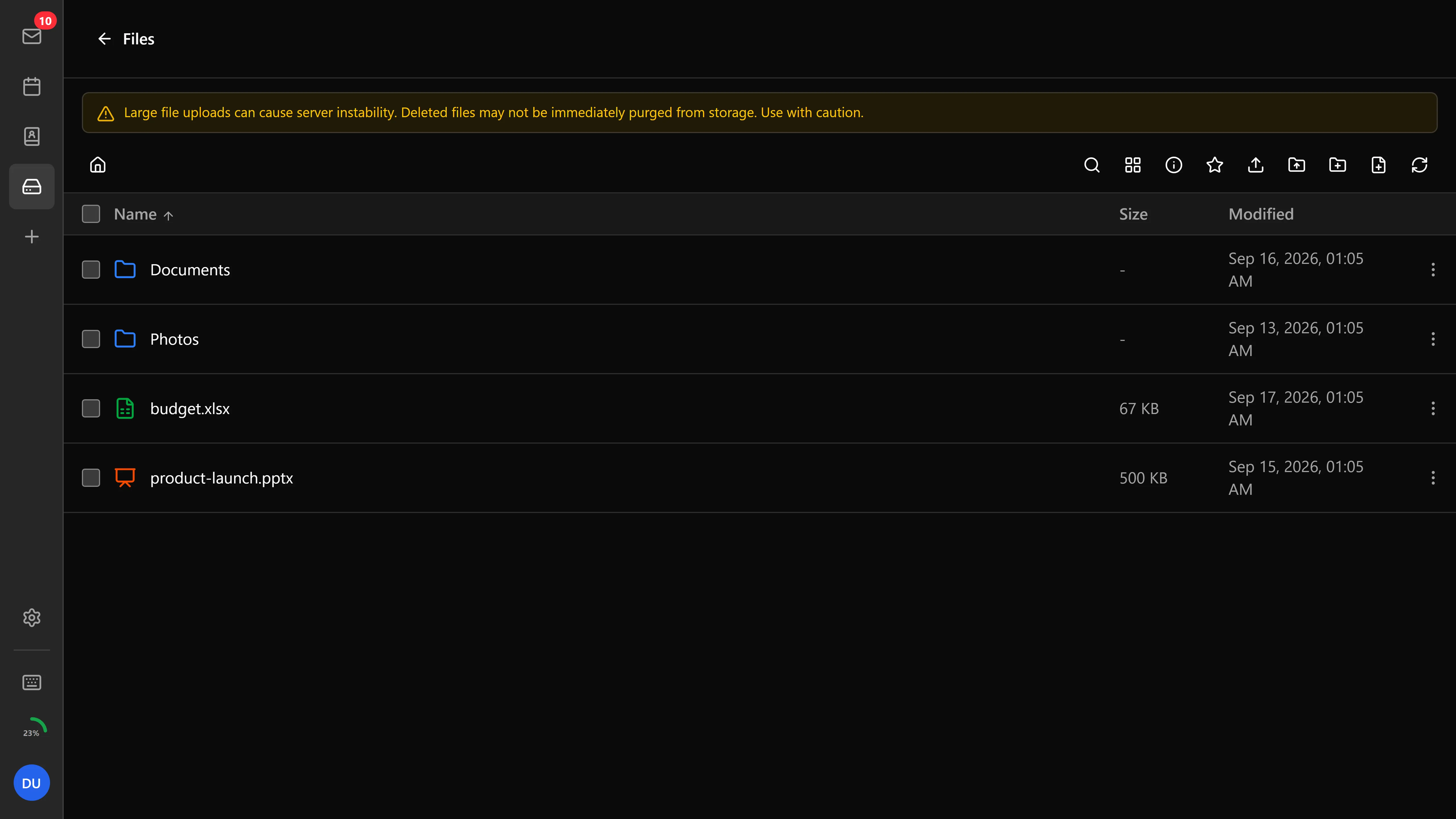
Screenshots: the Bulwark Webmail app (open source, AGPL-3.0) via the official Bulwark press kit — demo fixtures, no real mail shown.
Your inbox is waiting for your domain
Set up your service, create your first mailbox, and open Webmail — the whole path is guided.